Your 3D library, in colour.
Polydock organises your STL, 3MF, OBJ and STEP files right where they already are, lets you paint them for multi-colour printing, and sends them to your slicer in one click.
Four steps, one app
Polydock does not replace your slicer. It handles everything that comes before: finding the right model and getting its colours ready.
Organise
Point it at your folder, NAS share or S3 bucket. Polydock groups the files into models without moving anything.
Find
Thumbnails, search, tags and collections. Every model opens in a 3D viewer.
Paint
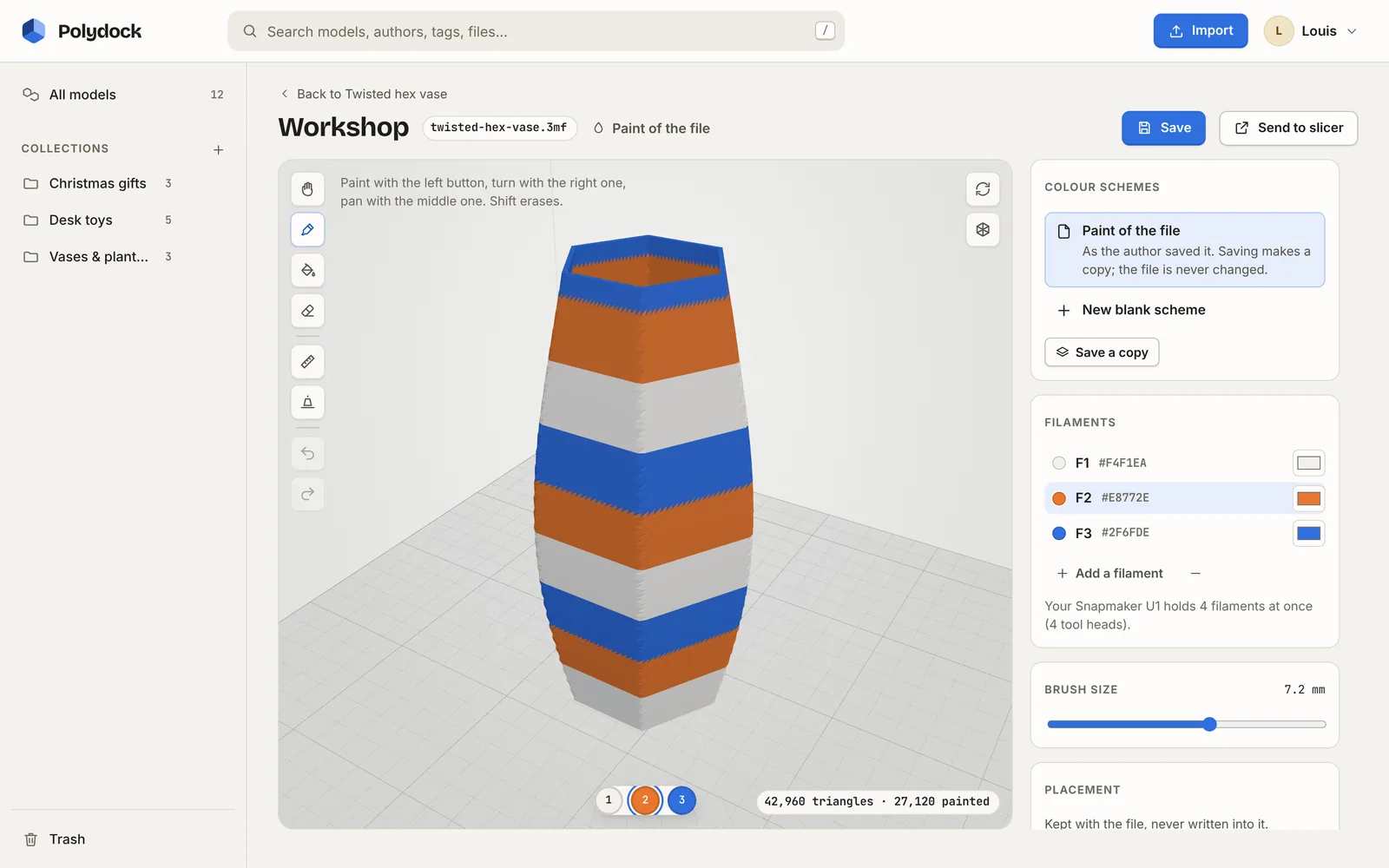
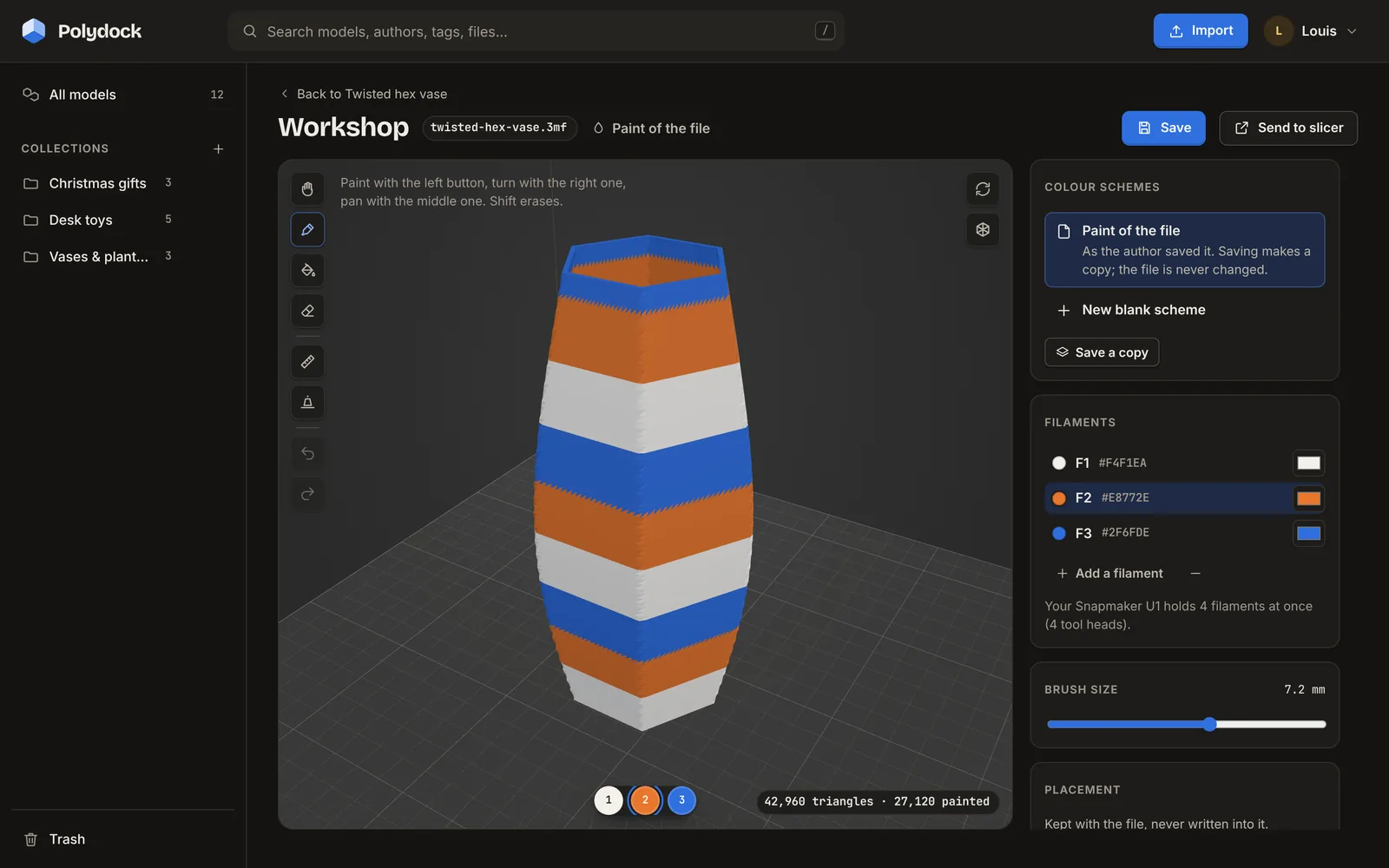
Paint the model with your own filaments and keep several colour schemes for the same file.
Send
One click and the model opens in OrcaSlicer, Bambu Studio or PrusaSlicer, paint included.
Thousands of files, finally in order
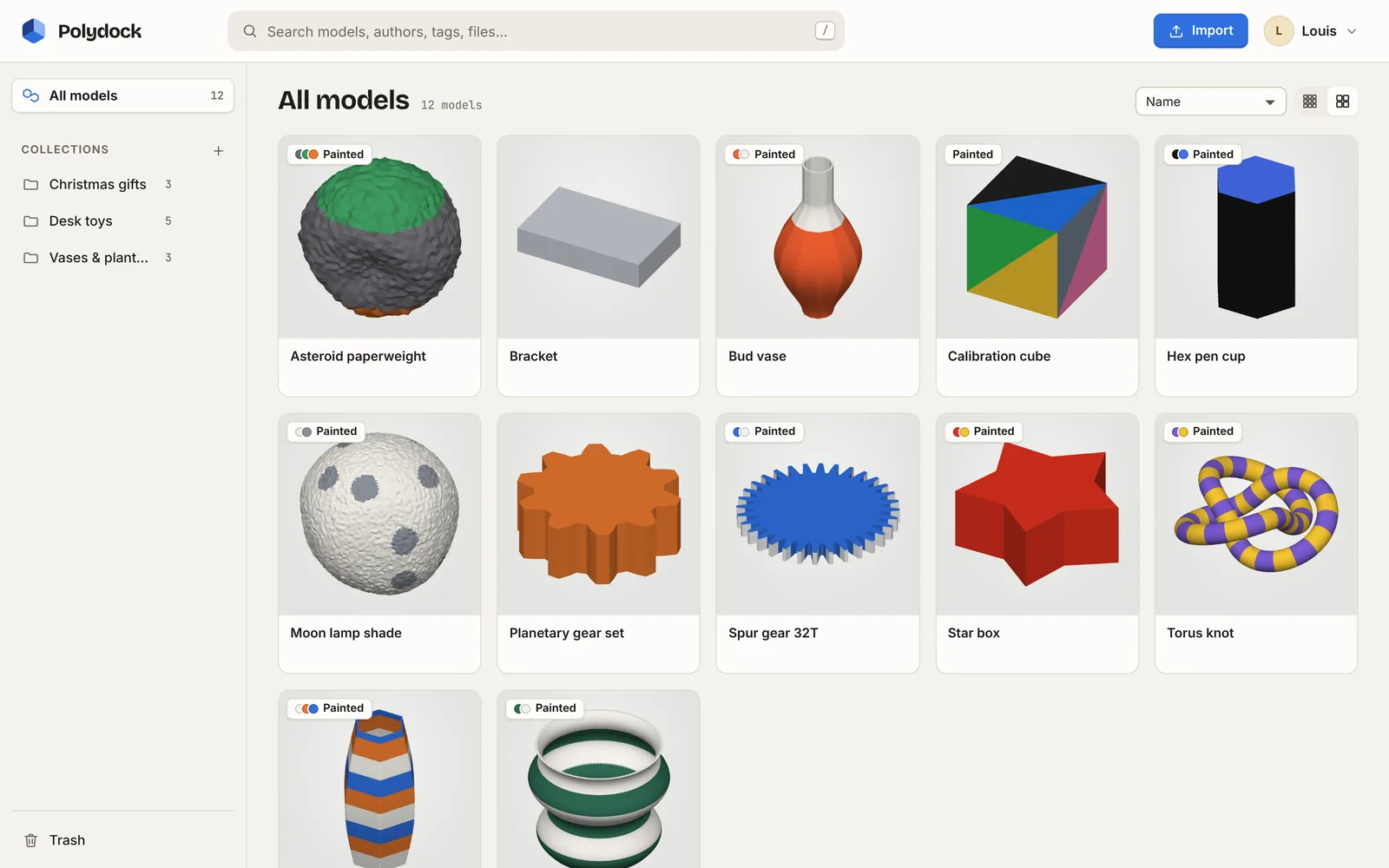
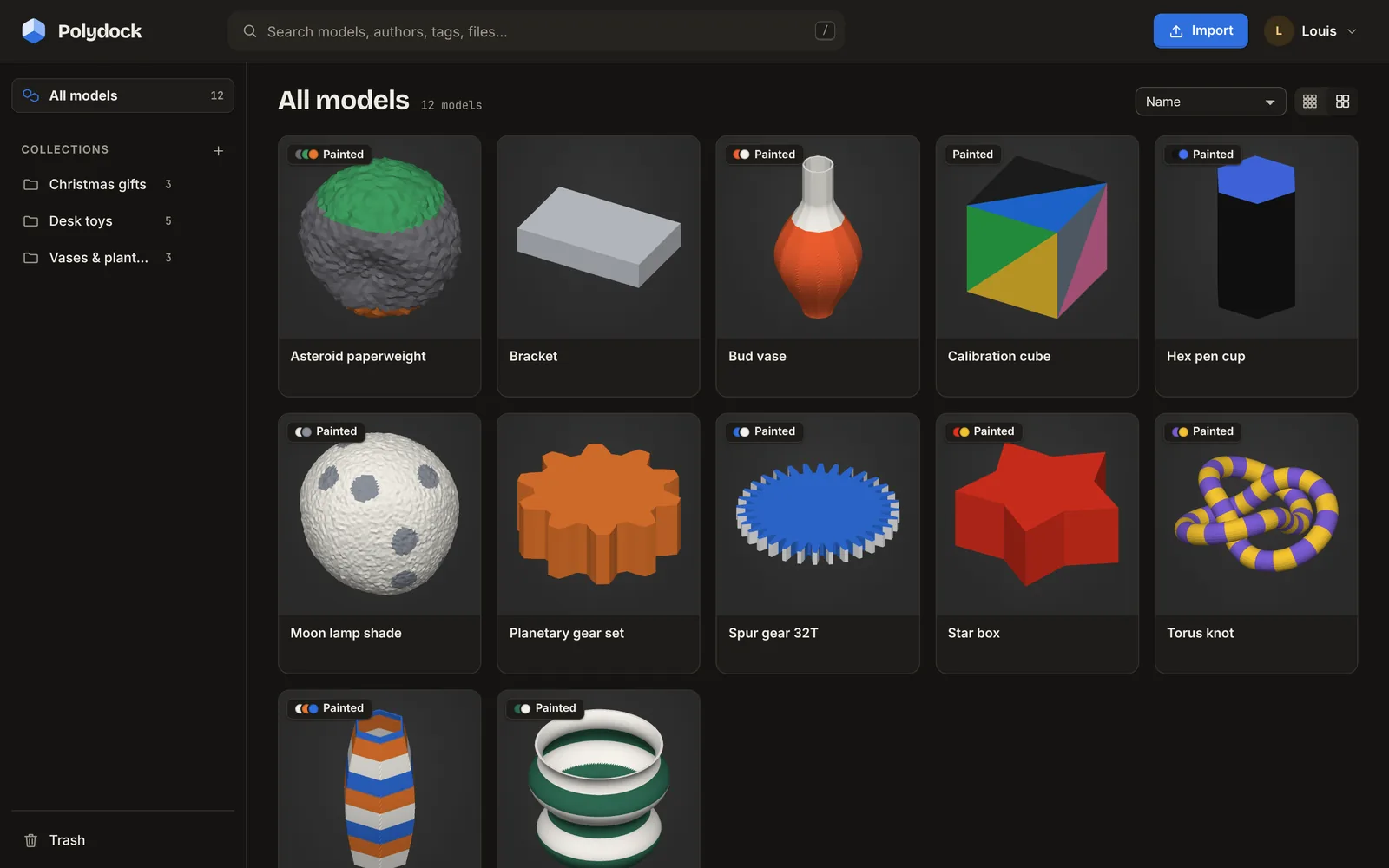
Polydock reads your collection where it lives, groups it into models and keeps a thumbnail of each. Search by name, author, tag or file.
- Nothing is moved or changed. Your folders stay as they are.
- Collections and tags, with drag and drop.
- Import ZIPs from Printables or MakerWorld as a single model.
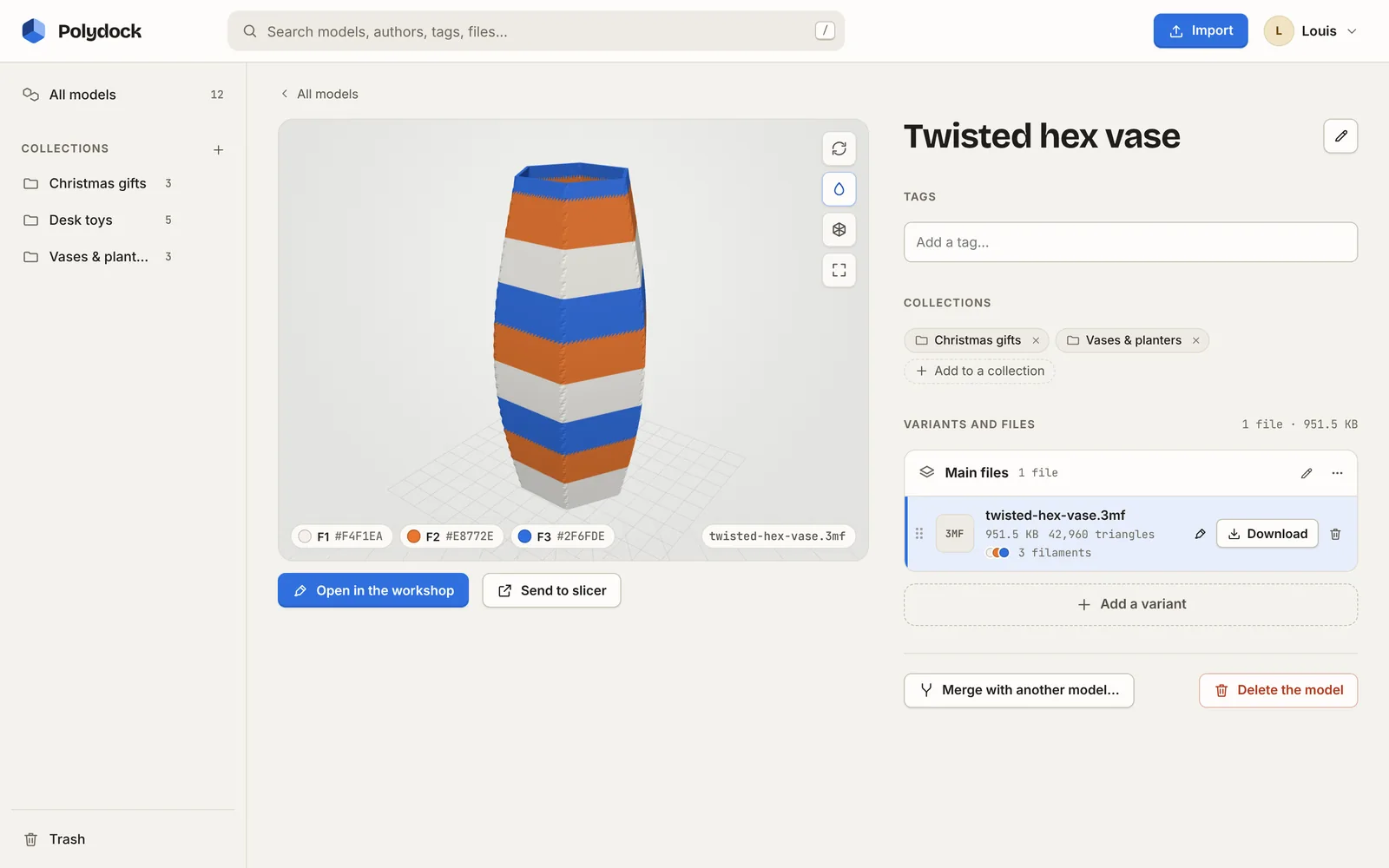
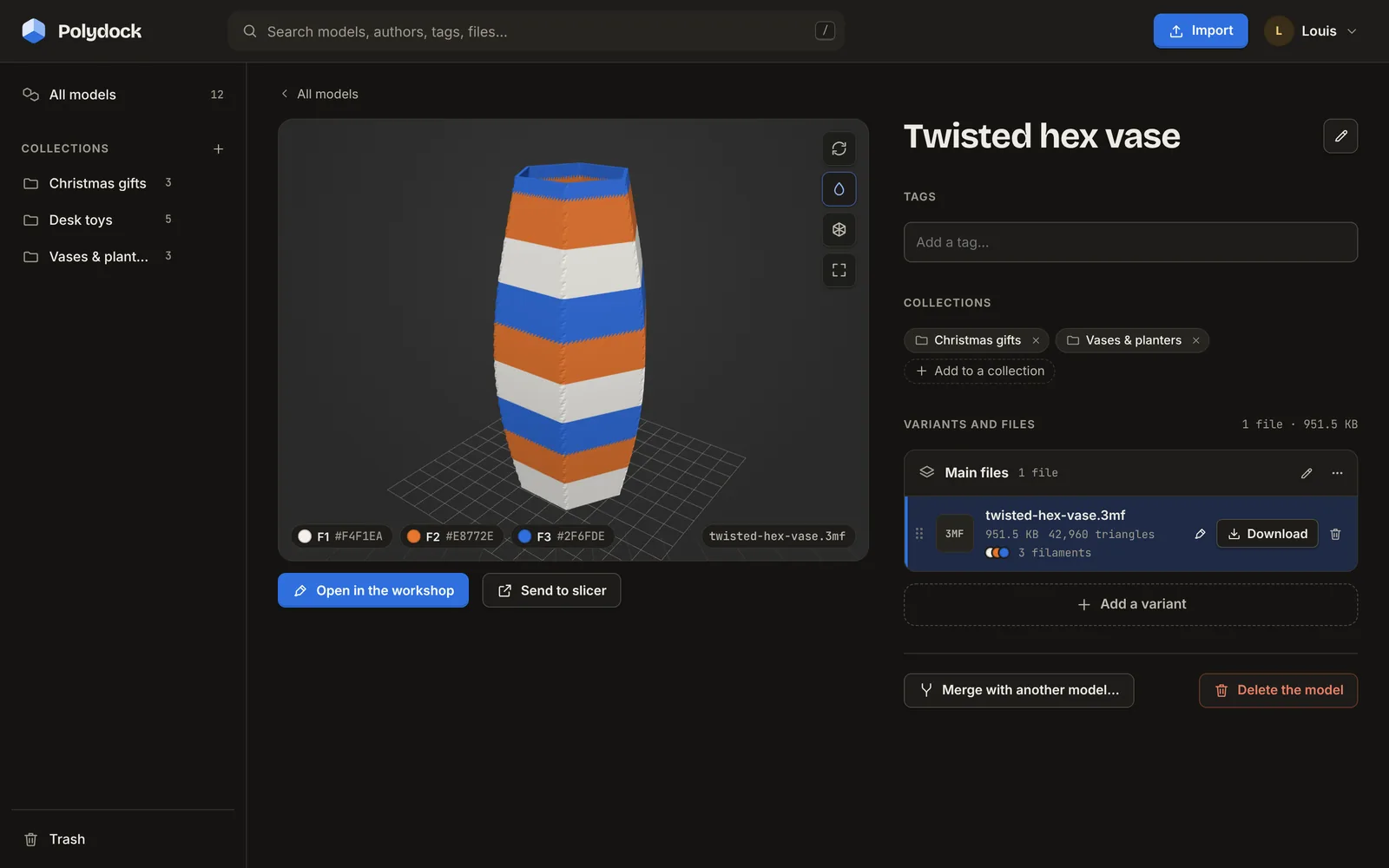
Every model, in 3D and in detail
A viewer to turn the model around, its files sorted into variants (main, pre-supported…), its tags and its collections.
- Variants: drag a file from one to another.
- Technical details: size, triangles, filaments used.
- Merge two models that belong together, or split one apart.
From paint to print, no exporting
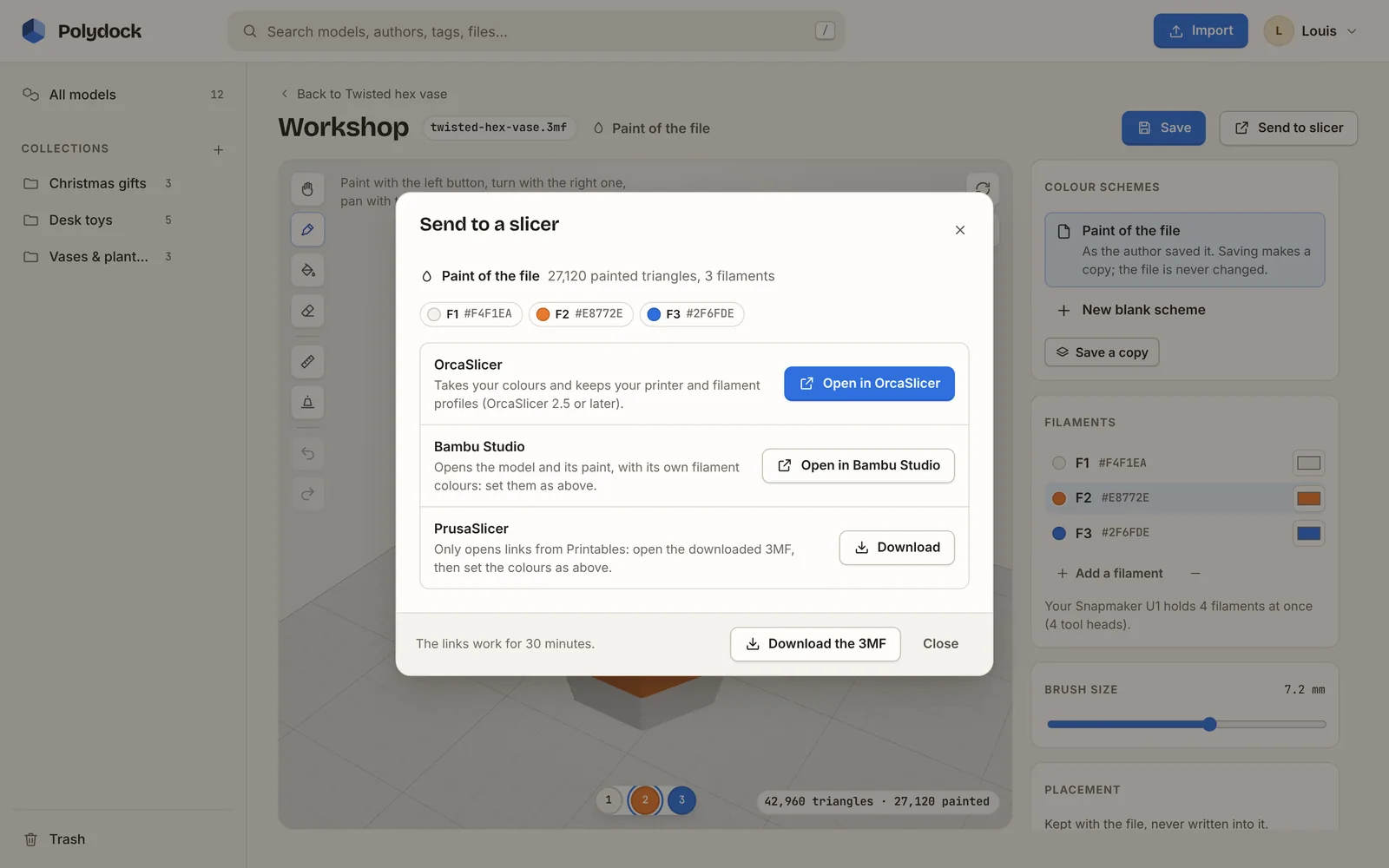
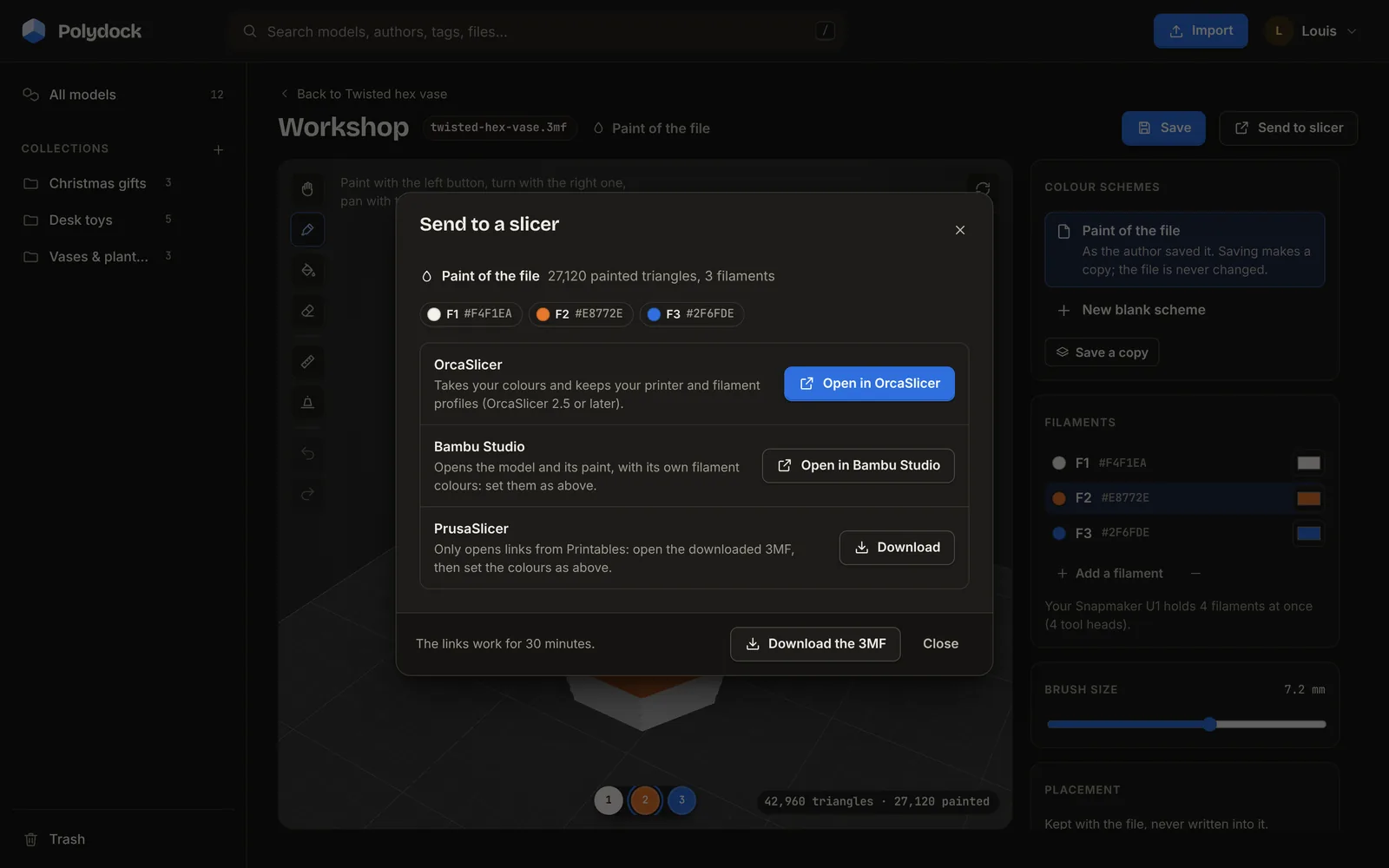
Polydock builds a painted 3MF and opens it straight in your slicer. Your scheme stays saved, so you can send it again three weeks later, exactly the same.
- OrcaSlicer also gets your filament colours.
- For AMS, MMU and tool changers, on any printer your slicer supports.
- The original file is never changed.
Your files stay yours
Runs at home
Polydock runs on your computer, your NAS or your server. Your models go nowhere.
Read-only
It reads your folders without touching them. Paint and tags are stored separately.
Open formats
What you paint comes out as a standard 3MF, which your slicer opens like any other file.
Open source
Polydock will be released under the AGPL-3.0: anyone will be able to read the code, improve it and host it. The code opens with the public release.
Install Polydock
The desktop app installs like any other program and opens in its own window. Pick your system.
The installers are not signed yet, so Windows and macOS show a warning the first time. The install guide shows how to get past it in two clicks.
On a NAS or a server
One Docker image, for amd64 and arm64. Then open http://<address>:3000 from any browser at home.
docker run -d --name polydock -p 3000:3000 \
-v /path/to/your/models:/library:ro \
-v polydock-data:/data \
ghcr.io/hagridlevrai/polydock:betaEvery version and its release notes are on GitHub.
Rather not install anything?
A hosted version of Polydock is on its way: your library online, reachable from any browser, with no server to look after.
Help us shape it
Polydock is in beta. A bug, an idea, a file that looks wrong? Tell us, in English or French: every report helps.
Questions
Is Polydock free?
Yes. The version you install yourself, desktop app or Docker, is free. Only the upcoming hosted service may be paid, to cover storage and servers.
Is it a slicer?
No. Polydock organises and prepares your models, then hands them to your usual slicer (OrcaSlicer, Bambu Studio or PrusaSlicer), which makes the G-code. Polydock does not talk to your printer.
Does it change my files?
Never. Polydock reads your folders as they are. Paint, tags and collections are stored separately. With Docker you can even mount your folder read-only.
Which printers does it work with?
Any printer your slicer supports. For multi-colour you need a multi-material setup: Bambu Lab AMS, Prusa MMU, a tool changer or a multi-head printer.
Why do Windows or macOS show a warning?
The beta installers are not digitally signed yet. They do come from us: the install guide shows how to open them.
Is Polydock open source?
Yes. Polydock will be free software under the AGPL-3.0. The source code will be published with the public release; during the beta, only the installers and the Docker image are shipped.